


Why Power Protection Matters More Than Ever
In today’s world, where sensitive electronics power everything from your home office to industrial systems, power disturbances are more than just a nuisance — they can cause irreversible damage. Whether it’s a sudden blackout, voltage fluctuation, or a spike in current, your devices need protection. But here’s the kicker: choosing the wrong device can cost you more than just money.
So, how do you know whether a UPS (Uninterruptible Power Supply) or a Stabilizer (Voltage Regulator) is the better choice? Keep reading — the difference may surprise you.
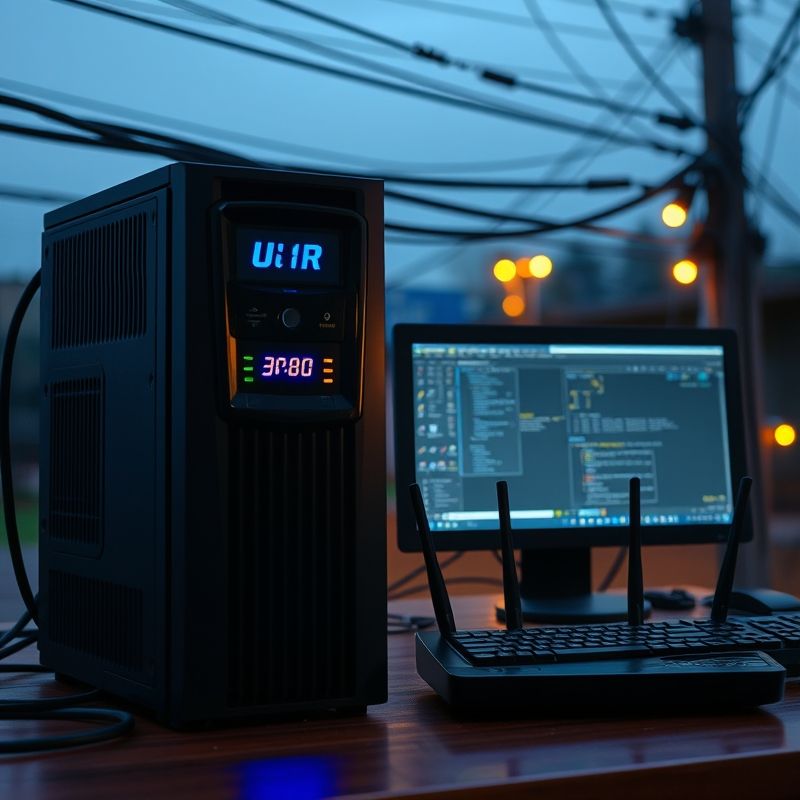
During a sudden power outage, a UPS keeps your desktop and router running, preventing data loss and connectivity interruption.
What is a Stabilizer? – The Basics You Need to Know
A voltage stabilizer is an electrical device that regulates incoming voltage levels to a safe range, ensuring your devices receive a stable output. If your area suffers from regular voltage drops or spikes, a stabilizer can protect appliances like refrigerators, air conditioners, and TVs.
Key Functions of a Stabilizer:
- Regulates high and low voltage to a consistent output
- Shields devices from over-voltage or under-voltage damage
- Doesn’t store or provide backup power
Stabilizers simply condition the voltage, they don’t offer power when there’s a blackout.
Important: If power completely goes out, a stabilizer won’t help. It doesn’t store power like a UPS.
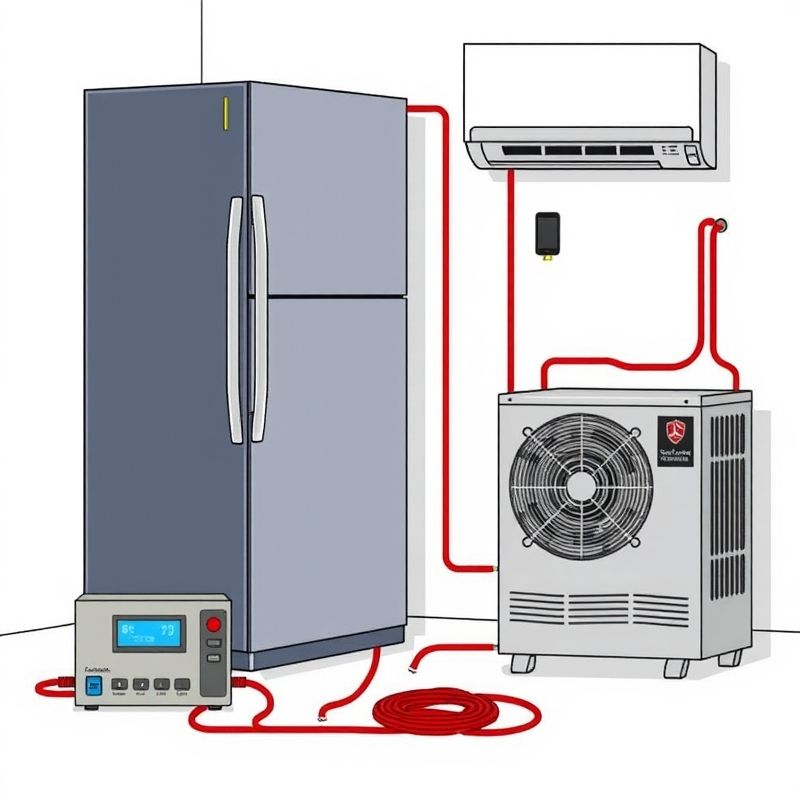
A voltage stabilizer ensures stable power delivery to household appliances like air conditioners and refrigerators, protecting them from harmful voltage fluctuations.
What is a UPS? – More Than Just Backup Power
A UPS (Uninterruptible Power Supply) is designed to provide immediate power to connected devices during an outage. It also offers voltage regulation, surge protection, and in some models, advanced battery management.
Key Functions of a UPS:
- Supplies backup power instantly during an outage
- Prevents data loss and equipment shutdown
- Protects against voltage fluctuations and surges
- Allows safe system shutdown
A UPS uses a built-in battery to keep systems running temporarily. It’s perfect for computers, servers, network equipment, and critical appliances.
Use Case Scenarios – What Should You Choose?
Scenario 1: Home with Sensitive Electronics
You have a home office setup with a desktop PC, modem, and printer. You need a system that protects your files during a sudden blackout.
Best Option: UPS
Scenario 2: Rural Area with Unstable Voltage
You live in a place where voltage fluctuation is common, especially during summer due to AC overload.
Best Option: Stabilizer
Scenario 3: Business Server Room
Your company relies on a server that must remain operational 24/7 to avoid data loss.
Best Option: Online UPS
If you’re searching for the best UPS for home and business, focus on models that offer both voltage regulation and extended battery support.
UPS Types Explained
1. Offline/Standby UPS
- Activates only during a power cut
- Suitable for home use or small offices
2. Line-Interactive UPS
- Offers better voltage regulation
- Ideal for home offices or POS systems
3. Online UPS
- Double-conversion technology for pure sine wave output
- Used in data centers, hospitals, or high-end networks
Pro Tip: Always match your UPS wattage and VA rating to your connected load.
Stabilizer Types and How to Choose
1. Relay Type Stabilizer
- Cost-effective and common in households
2. Servo-Controlled Stabilizer
- Accurate and fast response
- Best for sensitive medical or industrial equipment
Always consider the load capacity and voltage range before purchasing.
Can You Use Both Devices Together?
Yes, in some setups, you can use both! For instance:
- Use a stabilizer before the UPS to ensure consistent input voltage.
- Or use a UPS with built-in AVR (Automatic Voltage Regulation) and skip the stabilizer.
Tip: Don’t connect a stabilizer after a UPS — it may confuse voltage signals and damage both units.
Common Myths Busted
Myth 1: A stabilizer can save your PC during a blackout.
False. It only regulates voltage, not provides backup.
Myth 2: All UPS units protect against voltage fluctuation.
Partially true. Some cheaper UPS models lack good AVR features.
Myth 3: UPS batteries last forever.
Batteries degrade over time, typically needing replacement every 3-5 years.
Final Recommendations – Choose Wisely
If you’re investing in equipment that must not shut down, choose a high-quality UPS. If your concern is only voltage fluctuation and not power loss, a stabilizer is sufficient.
But remember — don’t cut corners. A cheap UPS or poorly matched stabilizer may do more harm than good.
Looking to buy the right one? Check out top-rated models that suit your power needs, from affordable UPS for small homes to enterprise-grade solutions for business.
Power Security Is an Investment, Not a Luxury
Choosing between a UPS and a stabilizer isn’t just a technical decision — it’s a decision that protects your data, equipment, and peace of mind. Know your environment, understand your devices, and make a wise investment. Because when the lights go out, you’ll be glad you chose right.


