


Discover the Ultimate UPS Power Backup Solutions You Never Knew You Needed!
When Power Fails, What’s Your Backup Plan?
We live in a world where every second counts—whether you’re managing a business, securing your home, or simply working from your desk. But what happens when the power unexpectedly cuts out? The consequences can range from inconvenient to catastrophic. That’s where Uninterruptible Power Supply (UPS) devices come in. These powerful units act as your first line of defense, instantly supplying backup power and ensuring you stay connected when it matters most.
What Is a UPS and Why Is It Important?
A UPS (Uninterruptible Power Supply) is a battery-powered system that provides temporary power during electrical outages. Unlike standard surge protectors, a UPS not only shields your devices from voltage spikes but also keeps them running during blackouts, even if just for a few minutes—enough time to save work or safely shut down systems.
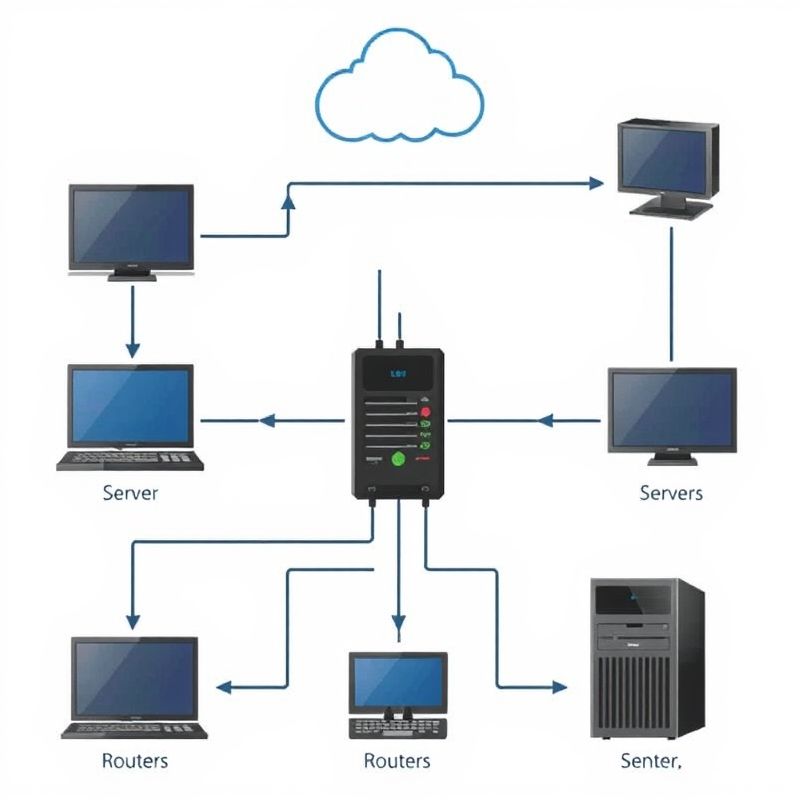
Illustration showing how a UPS acts as a backup between the power source and connected devices during outages
Different Types of UPS Systems – Which One Fits You?
Understanding the types of UPS systems helps you make an informed choice:
- Offline/Standby UPS
Best for: Home computers, small office electronics
Features: Basic surge protection, automatic switch to battery when power fails - Line-Interactive UPS
Best for: Network equipment, gaming setups
Features: Voltage regulation, power conditioning, faster response time - Online/Double Conversion UPS
Best for: Servers, data centers, medical equipment
Features: Continuous power supply, zero transfer time, highest level of protection
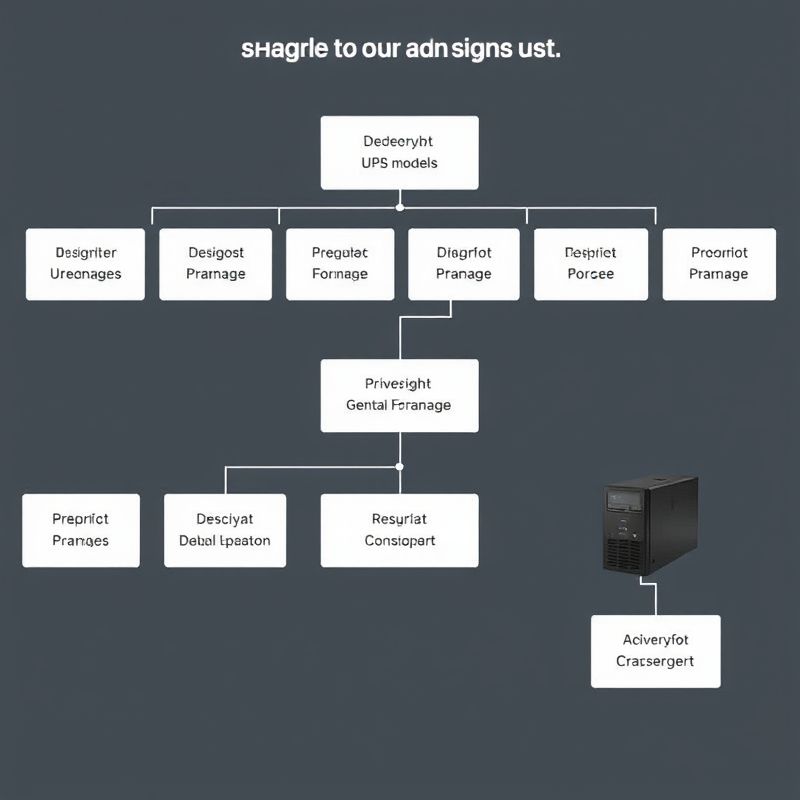
Visual comparison of Offline, Line-Interactive, and Online UPS systems with their key features and ideal use cases.
How to Choose the Best UPS for Your Needs
Factors to Consider:
- Power Capacity (VA Rating)
Always choose a UPS with at least 20–30% more capacity than your equipment’s total wattage. - Number of Outlets & Battery Runtime
Check how many critical devices you’ll plug in and how long you need them running during a blackout. - Form Factor
Tower UPS for desktops, rack-mounted UPS for server rooms. - Battery Replacement & Maintenance
Choose models with hot-swappable batteries and indicators for battery health.

Flowchart or decision tree guiding readers from their device type and usage to the most suitable UPS model.
Top Use Cases – Where You Must Use a UPS
- Offices & Workstations – Avoid unsaved work and sudden shutdowns
- Gaming & Streaming Setups – Prevent data corruption and hardware damage
- Home Theaters & Smart Homes – Maintain system integrity and avoid surge issues
- Server Rooms & Data Centers – Absolute uptime and seamless operation
- Security Systems & CCTV – Continuous surveillance without power gaps
- Healthcare & Medical Equipment – Life-saving power continuity
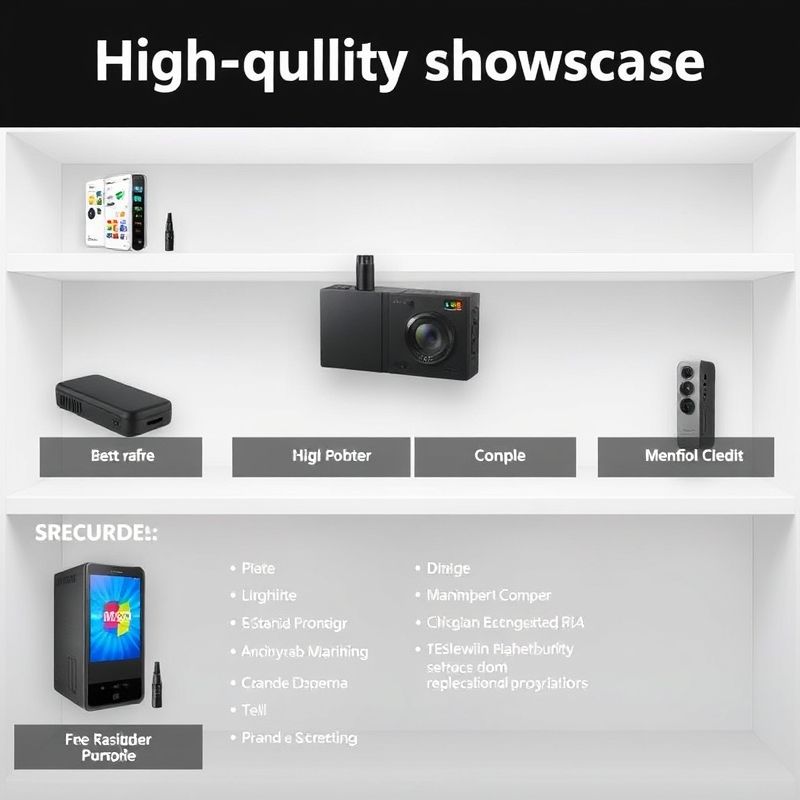
Product showcase of the top UPS models with specs and recommended usage for different scenarios
Best-Selling UPS Models You Should Consider
UPS Maintenance Tips to Extend Battery Life
- Keep the UPS in a ventilated area
- Perform monthly self-tests
- Replace batteries every 3–5 years
- Don’t overload outlets
- Monitor power events and performance logs
These best practices ensure your UPS is ready when disaster strikes.
Power Outage? Not on Your Watch!
Your power is your productivity. Make it unbreakable.
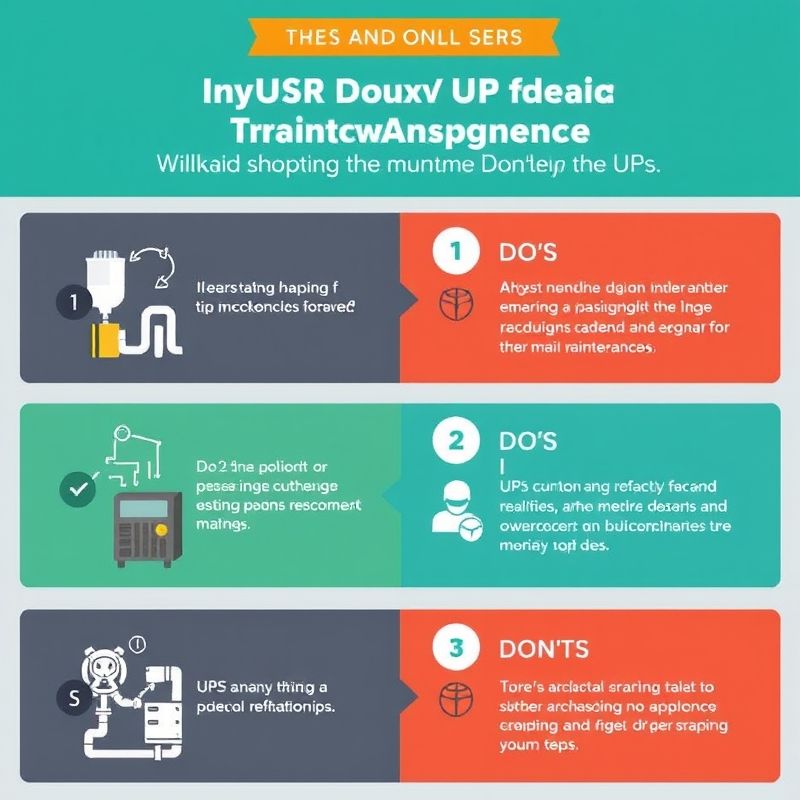
Infographic listing essential UPS maintenance tips to prolong battery life and ensure reliability during outages.


